Best AI Automation Tools Right Now (2026)
Automation stopped being about connecting apps and started being about delegating judgement. Here is which tool to use for which kind of work.
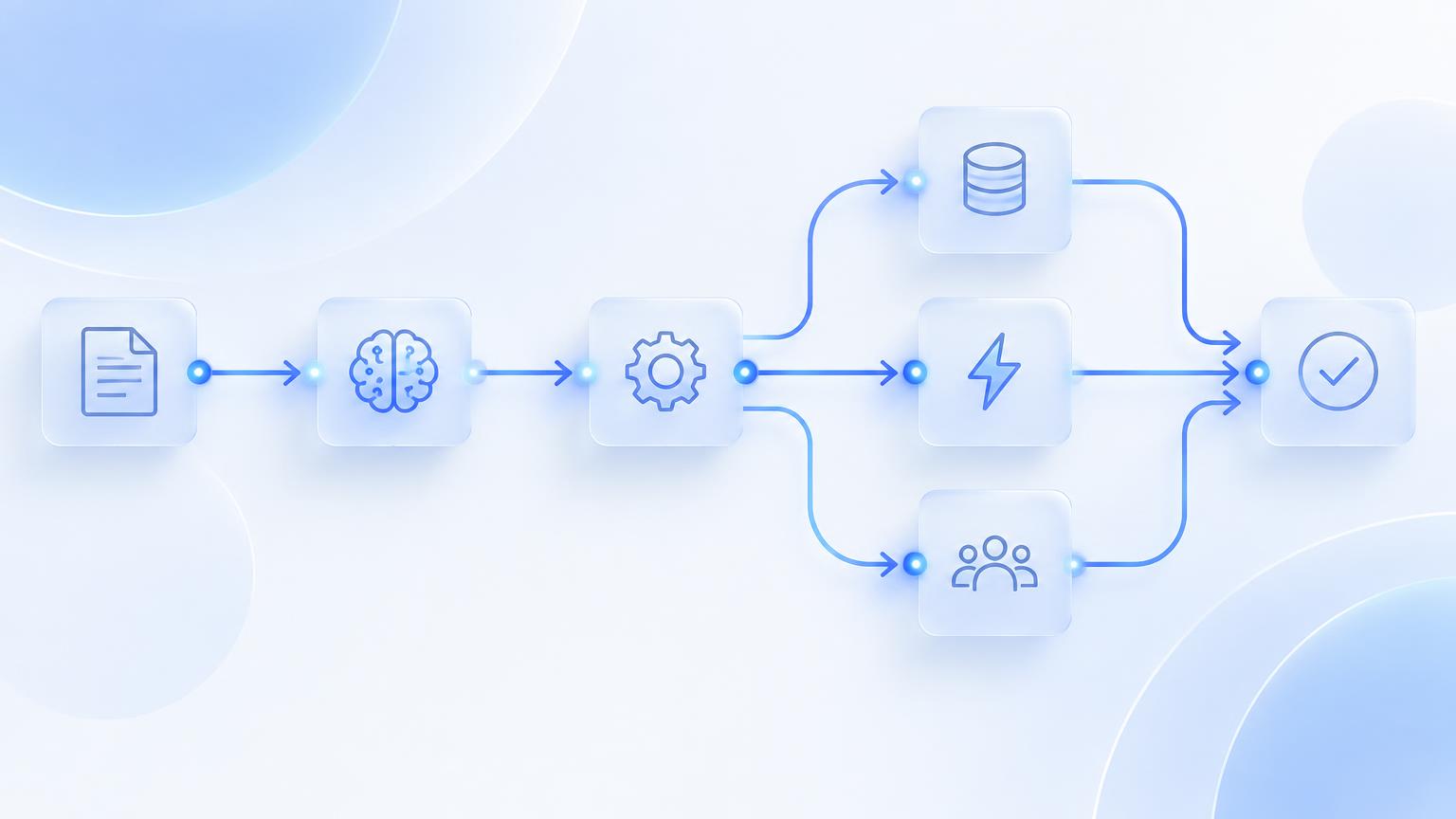
The best AI automation tools right now are Make for visual multi-step workflows, Zapier for the widest app coverage, n8n for self-hosted and technical control, Relevance AI for agent teams, Gumloop for AI-native document and data flows, and Airtable automations for data-centric operations.
Quick verdict
The best AI automation tools right now are Make for visual multi-step workflows, Zapier for the widest app coverage, n8n for self-hosted and technical control, Relevance AI for agent teams, Gumloop for AI-native document and data flows, and Airtable automations for data-centric operations.
If you only read this far: **Make** is the strongest all-round pick, **Zapier** is the best value, and **n8n** is the one to choose if engineering-adjacent teams needing control, custom code and data residency describes you.
Classic automation was deterministic: when this happens, do that. The interesting change is that steps can now contain judgement — classify this email, decide whether this invoice is unusual, summarise this call and route it. That makes far more processes automatable and introduces a new failure mode: workflows that keep running while being subtly wrong.
Choosing an automation platform is therefore less about how many integrations it has and more about how well you can observe, test and constrain the judgement steps. The tools below differ sharply on that axis.
This guide is written for operators, founders and ops teams automating real internal processes rather than building demos.
What changed in AI automation tools this year
The practical consequence: the gap between the best tool and the third-best tool in this category is now much smaller than the gap between using one properly and using it casually. Pick something credible, then invest in the workflow around it.
Featured Tool
Flow
Free, open-source macOS workspace that combines docs, Kanban and AI coding agents like Claude Code in one local app.
How we evaluated
Every tool below was assessed against the same four criteria. We do not rank on marketing claims, funding, or launch-day buzz.
**Reliability under change.** What happens when an upstream app changes a field or an AI step returns something unexpected — do you find out, and can you replay?
**Integration depth.** Not how many apps, but how well it handles the five apps your process actually touches, including pagination and edge cases.
**Cost at real volume.** Model the monthly bill at ten times your pilot volume, including AI step costs, before you commit.
**Who maintains it.** If the person who built the workflow leaves, can someone else understand it in an afternoon?
Tools are listed in rough order of how often they are the right answer — not by score. A tool at position five can still be the best choice for a specific job, which is why each entry states plainly who it is for.
The shortlist at a glance
| Tool | Best for | Pricing | Standout strength |
|---|---|---|---|
| Make | operators building branching workflows with many steps and conditions | Free tier; paid plans from roughly $9/month | Visual canvas that makes complex branching comprehensible |
| Zapier | teams who need many simple integrations working today | Free tier; paid plans from roughly $20/month | Widest integration library, including long-tail SaaS tools |
| n8n | engineering-adjacent teams needing control, custom code and data residency | Open source self-hosted; cloud plans from roughly $24/month | Self-hosting keeps sensitive data inside your infrastructure |
| Relevance AI | teams delegating recurring knowledge work to configured agents | Free tier; paid plans from roughly $19/month | Agent-first model with tools, memory and defined roles |
| Gumloop | processes centred on extracting and structuring messy inputs | Free tier; paid plans from roughly $97/month | Designed around AI steps rather than retrofitting them |
| Airtable automations | small teams whose process already lives in a shared table | Free tier; paid plans from roughly $20/user/month | Data, interface and automation in one place |
**Editorial placement slot — a vetted ai automation tools tool can be added to this comparison table.** Founders can get a tool reviewed and added to this section through Article Placement ($19, one-time, editorial mention).
1. Make — visual builder for complex multi-step workflows
**Best for:** operators building branching workflows with many steps and conditions
**Pricing:** Free tier; paid plans from roughly $9/month
Make is the sweet spot for operations work that is too complex for a linear trigger-action tool and not worth writing code for. The visual model also doubles as documentation, which matters more than people expect when someone else has to debug it six months later.
What it does well
What to watch out for
The canvas gets unwieldy past a few dozen modules; discipline about splitting scenarios is required.
**Who should pick it:** if your situation looks like "operators building branching workflows with many steps and conditions", Make is the option that will waste the least of your time. If it does not, keep reading — one of the alternatives below is likely a closer fit.
2. Zapier — broadest app coverage with the least friction
**Best for:** teams who need many simple integrations working today
**Pricing:** Free tier; paid plans from roughly $20/month
Still the right default for breadth. If your process touches an obscure tool, Zapier probably supports it and the others probably do not. Use it for many small automations rather than a few large ones — that is where its pricing and design both work in your favour.
What it does well
What to watch out for
Per-task pricing becomes expensive at high volume; deep, complex logic is not its strength.
**Who should pick it:** if your situation looks like "teams who need many simple integrations working today", Zapier is the option that will waste the least of your time. If it does not, keep reading — one of the alternatives below is likely a closer fit.
Keep Reading
3. n8n — self-hostable automation for technical teams
**Best for:** engineering-adjacent teams needing control, custom code and data residency
**Pricing:** Open source self-hosted; cloud plans from roughly $24/month
The economics flip for high-volume workflows: paying per task gets punishing, while a small server does not care. Combine that with self-hosting for regulated data and n8n becomes the obvious choice — provided someone on the team is willing to own the deployment.
What it does well
What to watch out for
You own uptime, upgrades and backups when self-hosting.
**Who should pick it:** if your situation looks like "engineering-adjacent teams needing control, custom code and data residency", n8n is the option that will waste the least of your time. If it does not, keep reading — one of the alternatives below is likely a closer fit.
4. Relevance AI — build and manage teams of AI agents
**Best for:** teams delegating recurring knowledge work to configured agents
**Pricing:** Free tier; paid plans from roughly $19/month
Where classic automation moves data, this moves tasks: qualify these leads, research these accounts, summarise these tickets. The right mental model is a junior assistant with a checklist — capable, fast, and in need of spot-checking.
What it does well
What to watch out for
Agentic reliability still requires review loops for anything customer-facing.
**Who should pick it:** if your situation looks like "teams delegating recurring knowledge work to configured agents", Relevance AI is the option that will waste the least of your time. If it does not, keep reading — one of the alternatives below is likely a closer fit.
5. Gumloop — AI-native flows for documents and unstructured data
**Best for:** processes centred on extracting and structuring messy inputs
**Pricing:** Free tier; paid plans from roughly $97/month
Pick this when the hard part is the content, not the connection — piles of PDFs, transcripts, applications or listings that need to become rows in a table. General automation tools can do it, but with far more scaffolding.
What it does well
What to watch out for
Narrower integration library than the generalists; pricing steps up quickly.
**Who should pick it:** if your situation looks like "processes centred on extracting and structuring messy inputs", Gumloop is the option that will waste the least of your time. If it does not, keep reading — one of the alternatives below is likely a closer fit.
6. Airtable automations — automation attached to the data it operates on
**Best for:** small teams whose process already lives in a shared table
**Pricing:** Free tier; paid plans from roughly $20/user/month
Many processes do not need an automation platform at all — they need one shared source of truth with a few triggers on top. Starting here and graduating later is cheaper than starting with a workflow engine and discovering your data has no home.
What it does well
What to watch out for
Not a general integration platform; complex multi-app flows outgrow it.
**Who should pick it:** if your situation looks like "small teams whose process already lives in a shared table", Airtable automations is the option that will waste the least of your time. If it does not, keep reading — one of the alternatives below is likely a closer fit.
Pricing and fit compared
| Tool | Entry price | What you get at that price | Watch out for |
|---|---|---|---|
| Make | Free tier; paid plans from roughly $9/month | Granular control over data mapping and error handling | The canvas gets unwieldy past a few dozen modules; discipline about splitting scenarios is required. |
| Zapier | Free tier; paid plans from roughly $20/month | Fastest path from idea to working automation | Per-task pricing becomes expensive at high volume; deep, complex logic is not its strength. |
| n8n | Open source self-hosted; cloud plans from roughly $24/month | Drop into code whenever the visual layer runs out | You own uptime, upgrades and backups when self-hosting. |
| Relevance AI | Free tier; paid plans from roughly $19/month | Good for research, enrichment and triage tasks | Agentic reliability still requires review loops for anything customer-facing. |
| Gumloop | Free tier; paid plans from roughly $97/month | Strong at document parsing, enrichment and batch processing | Narrower integration library than the generalists; pricing steps up quickly. |
| Airtable automations | Free tier; paid plans from roughly $20/user/month | Easy for non-technical owners to maintain | Not a general integration platform; complex multi-app flows outgrow it. |
*Pricing is indicative of published entry tiers at the time of writing and changes often — confirm on the vendor's own pricing page before you buy.*
**Editorial placement slot — additional tools can be reviewed and added to this pricing comparison.** Founders can get a tool reviewed and added to this section through Article Placement ($19, one-time, editorial mention).
How to choose the right one
Work through these in order — the first honest answer usually decides it.
Most teams over-index on feature lists and under-index on the boring part: whether the tool fits the way work already moves through their week. A slightly weaker tool that lives where you already work beats a stronger one you have to remember to open.
A 4-step way to test before you commit
Step 1: Document the process by hand first
Write the steps, decision points and exceptions as a human would do them. Automating a process you have not written down is how you end up with a workflow nobody can explain.
Step 2: Automate the deterministic parts only
Get the plumbing working with no AI steps. Confirm the data moves correctly, then insert judgement steps one at a time.
Step 3: Run it in shadow mode
For a week, let the workflow produce output that a human reviews before it takes effect. Count the disagreements. That number tells you whether to trust it unattended.
Step 4: Add monitoring before adding scale
Alerts on failures, a log you can read, and a defined owner. Unmonitored automation is a liability that compounds quietly.
Run this in a single week with two candidates. Two weeks of structured testing costs less than six months on the wrong subscription.
Mistakes to avoid
**Editorial placement slot — a relevant tool can be featured here as a recommended alternative.** Founders can get a tool reviewed and added to this section through Article Placement ($19, one-time, editorial mention).
Related reads
FAQ
What is the difference between AI automation and traditional workflow automation?
Traditional automation executes fixed rules. AI automation adds steps that make judgements — classifying, summarising, deciding, drafting. That widens what you can automate and introduces a new requirement: monitoring, because an AI step can fail by being plausibly wrong rather than by erroring out.
Which AI automation tool is best for non-technical users?
Zapier for breadth and simplicity, Make when workflows need branching, and Airtable automations when the process already revolves around a shared table. All three are maintainable by an operator without engineering support.
Is self-hosted automation worth the effort?
It is when task volumes are high or data cannot leave your infrastructure. Self-hosting n8n replaces per-task pricing with server costs, which is dramatically cheaper at scale — but you take on uptime, upgrades and backups in return.
Can AI agents be trusted to run unattended?
For low-stakes, reversible tasks with review sampling, yes. For irreversible or customer-facing actions, keep a human approval step. The practical test is shadow mode: run it alongside a human for a week and count disagreements before removing the check.
How do I control the cost of AI automation?
Model the bill at ten times pilot volume including AI step costs, split large workflows so failures do not re-run expensive steps, and use cheaper models for classification while reserving stronger ones for generation. Most cost surprises come from retries and loops, not from base pricing.
What should I automate first?
The recurring task that is high-volume, low-stakes and well documented — lead routing, ticket triage, data entry, report assembly. Save judgement-heavy, high-consequence processes until you trust your monitoring.
Final word
There is no single winner in ai automation tools — there is only the tool that fits your constraints this quarter. Start with Make if you want the safest default, Zapier if budget is the binding constraint, and revisit this page each quarter: this category moves fast enough that a re-check every 90 days is genuinely worth the twenty minutes.
Building something in this space? Get it listed on AI Tools Capital, enter The Capital weekly competition, or get a reviewed placement inside guides like this one via Article Placement.
Explore Related Content
AI Tools Capital Editorial Team
Our team tests every AI tool hands-on before publishing a review, so you get honest, practical recommendations.
Learn more about us →Want your AI startup featured here?
Add your tool to a relevant AI Tools Capital article for $19 one-time.
Found this helpful? Share it with others!
Was this article helpful?
Not sure which AI tool is right for you?
Take our 30-second quiz and get a personalized recommendation.
Compare Alternatives to Best AI Automation Tools Right Now (2026)
Free, open-source macOS workspace that combines docs, Kanban and AI coding agents like Claude Code in one local app.
Real-time virtual birthday platform with synchronized 3D cakes and AI-powered candle blowing across video rooms.
Autonomous AI software engineer that picks up engineering tickets, writes and tests code, and ships verified pull requests on GitHub with human-in-the-loop review.
Tamper-evident evidence layer for autonomous AI agents that turns standard logs into legally defensible, cryptographically sealed records for regulators and insurers.
Related Articles

Best AI Customer Support Tools Right Now (2026)
AI support agents now resolve real tickets instead of deflecting them badly. Here is what to use at each stage, and how to avoid the failure everyone hits.

An objective comparison of two very different launch platforms — and the honest case for using both together rather than picking one.

Lovable vs Bolt vs v0: Best AI Builder May 2026
We rebuilt the same SaaS landing page in Lovable, Bolt.new, and Vercel v0 to find the best AI website builder for May 2026. Real verdict, pricing table, and FAQ.

Suno vs Udio: Best AI Music Generator 2026
We made the same 30 songs in both. Suno wins on lyrics and structure. Udio wins on instrumental fidelity. Here's which to pick.

Wix ADI vs Framer AI: Best No-Code Builder 2026
We built the same SaaS landing page in both. Wix ADI shipped in 18 min. Framer AI made it look $10k. Here's which to pick.

Cursor vs Cline: Best AI Coding Tool 2026
We shipped a full-stack app in both. Cursor is faster, Cline is free and open. Here's which one's worth $20/month.